
Roblox Texture
AI Prompt Generator & Optimizer
Best Prompts for Roblox Texture Generator AI Calculator
Quit Searching Google Images: The Best Prompts for Roblox Texture Generator AI Calculator Creates Infinite Assets
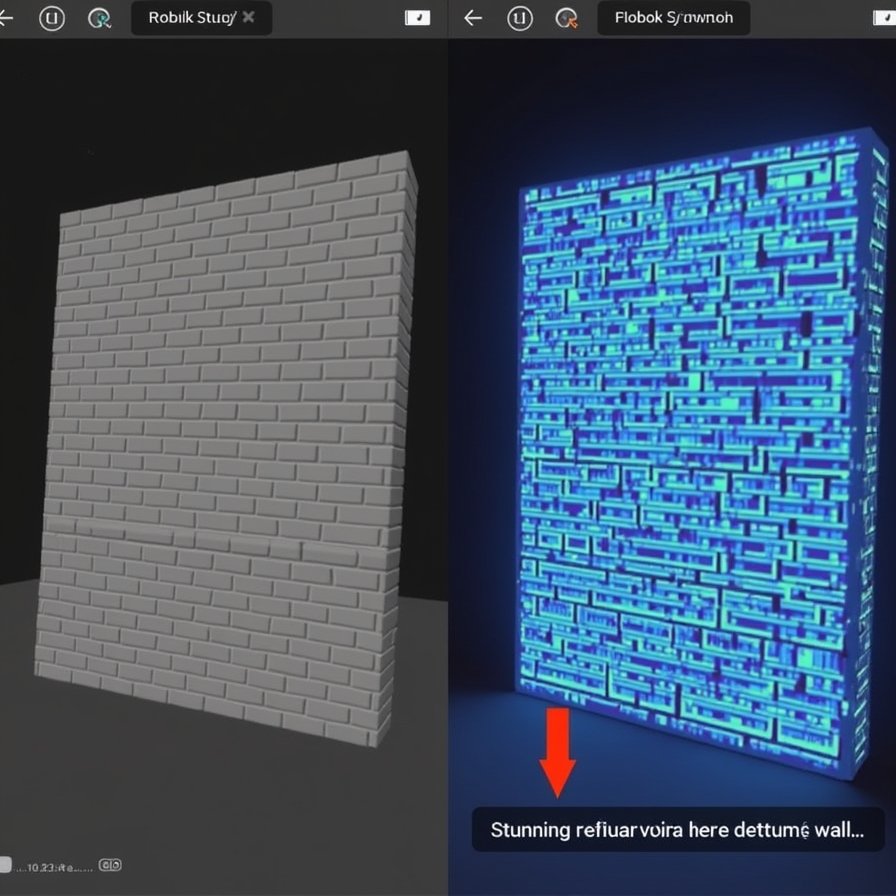
If you are a Roblox developer, you know the struggle.
You build a beautiful model. You mesh it perfectly. And then… you need textures.
You search the Toolbox. You get blurry JPEGs from 2014. You search Google Images. You get watermarked stock photos that don’t tile seamlessly. You try to paint it yourself. It looks like MS Paint.
But Roblox recently unlocked a superpower: The AI Texture Generator.
This tool can create anything. But like all AI, it is only as smart as the person typing the prompt. If you type “Grass,” you get a generic green blob. If you type “Stylized Ghibli grass, wind-swept, vibrant green, seamless texture,” you get art.
We built the Best Prompts for Roblox Texture Generator AI Calculator (above) to bridge the gap. It acts as a “Prompt Engineer” for your game, assembling the perfect keywords to generate high-quality, game-ready materials instantly.
The Anatomy of a Perfect Texture Prompt
Why do some textures look like AAA games and others look like mud? It comes down to four layers of the prompt equation.
1. The Base Material (The “What”) This is your noun. “Wood,” “Metal,” “Lava.”
- Pro Tip: Be specific. “Oak Wood Planks” is better than “Wood.”
2. The Condition (The Story) Textures tell a story. Is the metal brand new, or has it been rusting in the rain for 50 years?
- Clean: Good for sci-fi or modern architecture.
- Grunge/Damaged: Essential for horror, survival, or post-apocalyptic games. This adds “noise” and realism.
3. The Visual Style (The Vibe) This ensures consistency. You don’t want a photorealistic rock next to a cartoon tree.
- PBR/Realistic: Adds keywords like “8k,” “highly detailed,” and “macro photography.”
- Stylized: Adds “hand-painted,” “cel shaded,” and “bold colors.” This is the classic Roblox aesthetic.
4. The Technicals (The Tiling) This is the most critical part for builders.
- Seamless: This keyword tells the AI to make sure the left edge matches the right edge. Without this, your floors will have ugly grid lines visible everywhere.
How to Use the Calculator
This widget is your texture factory.
Step 1: Type Your Base What do you need? A Cobblestone Path? A Dragon Scale Armor? Type it in the box.
Step 2: Pick Your Style Are you making a simulator (choose Stylized) or a horror game (choose Realistic)?
Step 3: Set the Condition Does it need to look ancient (Mossy) or factory-new (Clean)?
Step 4: Click “Generate Best Prompt” The calculator combines your inputs with hidden “Power Keywords” that the Roblox AI loves.
- Result: “Cobblestone Path, moss covering, nature takeover, photorealistic, high fidelity, seamless texture, no seams, flat lighting.”
Step 5: Copy & Paste Click copy. Open Roblox Studio. Open the Material Generator. Paste. Done.
Why “Seamless Score” Matters
The calculator gives you a Seamless Score.
- High Score: Great for floors, walls, and terrain. The AI will focus on pattern repetition.
- Low Score: Good for decals, signs, or specific prop faces (like a TV screen) where tiling doesn’t matter.
The Verdict
Texture mapping used to take hours in Photoshop. Now, it takes seconds in Studio—if you speak the language.
Don’t let bad textures ruin good builds. Use the Best Prompts for Roblox Texture Generator AI Calculator above to generate infinite, high-quality assets.
Your game deserves better than default plastic.
Viral FAQs
Q: Does this work for the new “Material Generator” in Roblox Studio? A: Yes. This calculator is specifically tuned for the Material Generator (which uses Stable Diffusion-like tech). The keywords like “Seamless” and “Flat Lighting” are crucial for this specific tool to prevent shadows from being baked into the texture.
Q: Why do I need “Flat Lighting”? A: If a texture has strong shadows in the image (e.g., a shadow of a tree on the grass), it will look weird when you rotate the object in your game. “Flat lighting” ensures the texture is neutral, so the Roblox game engine can apply its own dynamic shadows.
Q: Can I use these prompts in Midjourney too? A: Absolutely. While optimized for Roblox, these prompts work great in Midjourney or Leonardo.ai to generate texture maps for Blender or Unity as well.
Q: Why does my texture look blurry? A: In Roblox Studio, make sure you are viewing the material on a part that is large enough, or adjust the StudsPerTile property in the MaterialVariant settings. Sometimes the AI generates a low-res preview; hitting “Save” often upscales it.
(Disclaimer: This tool generates text prompts. The actual visual output depends on the randomness of the Roblox AI generation engine.)