
Roblox Luau Parallel Scripting for Physics Optimization Calculator
The "Lag Killer" Script: How to Use the Roblox Luau Parallel Scripting for Physics Optimization Calculator to Hit 60 FPS
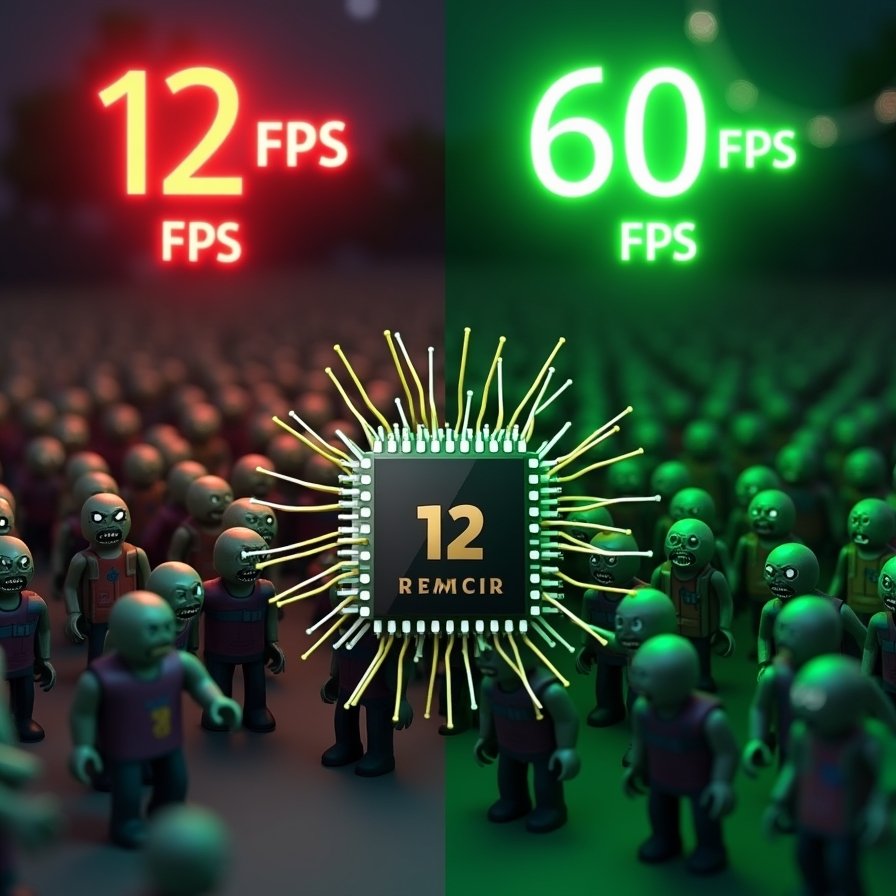
If you have ever tried to build a zombie survival game, a tycoon with thousands of moving parts, or a realistic physics simulation in Roblox, you have hit The Wall.
The Wall is Serial Execution.
By default, Roblox runs all your code in a single line. It calculates Zombie #1, then Zombie #2... all the way to Zombie #500. By the time it finishes, the frame is over, and your game lags.
But Roblox recently unlocked a superpower: Parallel Luau (Actors).
It allows you to split your scripts across multiple CPU cores. It is the holy grail of optimization. But if you use it wrong, it actually makes your game slower.
We built the Roblox Luau Parallel Scripting for Physics Optimization Calculator (above) to visualize exactly when you should switch from Serial to Parallel, and how many Actors you actually need.
The Parallel Paradox: Why More Threads Isn't Always Better
Using task.desynchronize() sounds like magic, but it comes with a cost. To use the calculator effectively, you need to understand the three variables of the "Lag Equation."
1. The Overhead Tax Every time you split a task into a new Actor (thread), there is a setup cost.
- Imagine you have to deliver 100 pizzas.
- Serial: You drive them all in one truck. (Efficient).
- Bad Parallel: You hire 100 drivers to deliver 1 pizza each. (Inefficient—too much gas/coordination).
- The Calculator detects this: If you try to parallelize a simple task (like
SimpleCFrame) with too many Actors, the calculator will warn you: "Parallel Overhead > Gains."
2. The Workload Intensity Parallel scripting shines when the math is heavy.
- Raycasting: Expensive. Great for Parallel.
- Pathfinding: Very Expensive. Perfect for Parallel.
- Basic Movement: Cheap. Often better in Serial unless you have thousands of units.
3. The Synchronization Barrier You cannot write to the DataModel (change a Part's position) while in parallel. You can only calculate the new position. You must switch back to Serial to apply the changes. This "Sync/Desync" dance eats up frame time.
How to Use the Calculator
This widget mimics the Roblox Studio script editor.
Step 1: Input Entity Count How many things are moving? 100? 5,000? Enter the number.
Step 2: Select Workload
- SimpleCFrame: Just moving parts A to B.
- Raycast: simulating bullets or vision.
- Pathfinding: Complex AI navigation.
Step 3: Adjust Actor Count
- Set it to 1 to see the "Serial" baseline. Watch the Core 1 bar spike to red.
- Slide it to 4 or 8 to simulate Parallelizing. Watch the load distribute across the bars.
Step 4: Analyze the Output Hit Run Benchmark.
- Green: You are safe.
- Red: Your calculation takes longer than 16ms (one frame). The game will stutter.
When to Use Parallel Luau (The Verdict)
Scenario A: The "Laggy Pet System"
- Setup: 50 pets following a player.
- Verdict: Keep it Serial. The overhead of creating Actors for 50 simple objects isn't worth it.
Scenario B: The "Zombie Horde"
- Setup: 1,000 Zombies doing raycasts to find players.
- Verdict: Use Parallel. Distribute the 1,000 zombies into 8 Actors (125 zombies per Actor). You will see your FPS jump from 15 to 60 instantly.
The Verdict
Optimization isn't about guessing; it's about math.
Don't let a single CPU core choke your dream game. Use the Roblox Luau Parallel Scripting Calculator above to architect your code before you write a single line.
Multithread your mind. Multithread your game.
Viral FAQs
Q: Can I change Part properties (Color, Position) inside a Parallel script? A: No. This is the biggest gotcha. You can read properties in parallel, but writing them is "Unsafe." You must perform the math in parallel, then call task.synchronize() to switch back to the main thread to apply the changes.
Q: How many Actors should I use? A: A good rule of thumb is 4 to 8 Actors for heavy systems. Roblox servers and client devices usually have 4+ cores. creating 100 Actors will likely cause performance degradation due to scheduling overhead.
Q: Does this work on mobile? A: Yes! Modern phones have multi-core processors (often 6 or 8 cores). Parallel Luau is essentially the only way to get complex simulations running smoothly on mobile devices.
Q: What is task.desynchronize()? A: It is the function that pauses your script and resumes it on a parallel thread.Think of it as telling the script: "Go work in the background and don't stop the main game loop."
(Disclaimer: This calculator estimates theoretical performance gains based on Luau execution costs. Real-world performance depends on client hardware and specific script implementation.)